Where a preview helps
- Exploring added length and movement
- Comparing subtle and fuller wave patterns
- Planning layers or extension references
Virtual hairstyle preview
Long waves add width, movement, and a softer outline around the shoulders. A preview can help you compare wave size, volume, parting, and the placement of face-framing pieces.
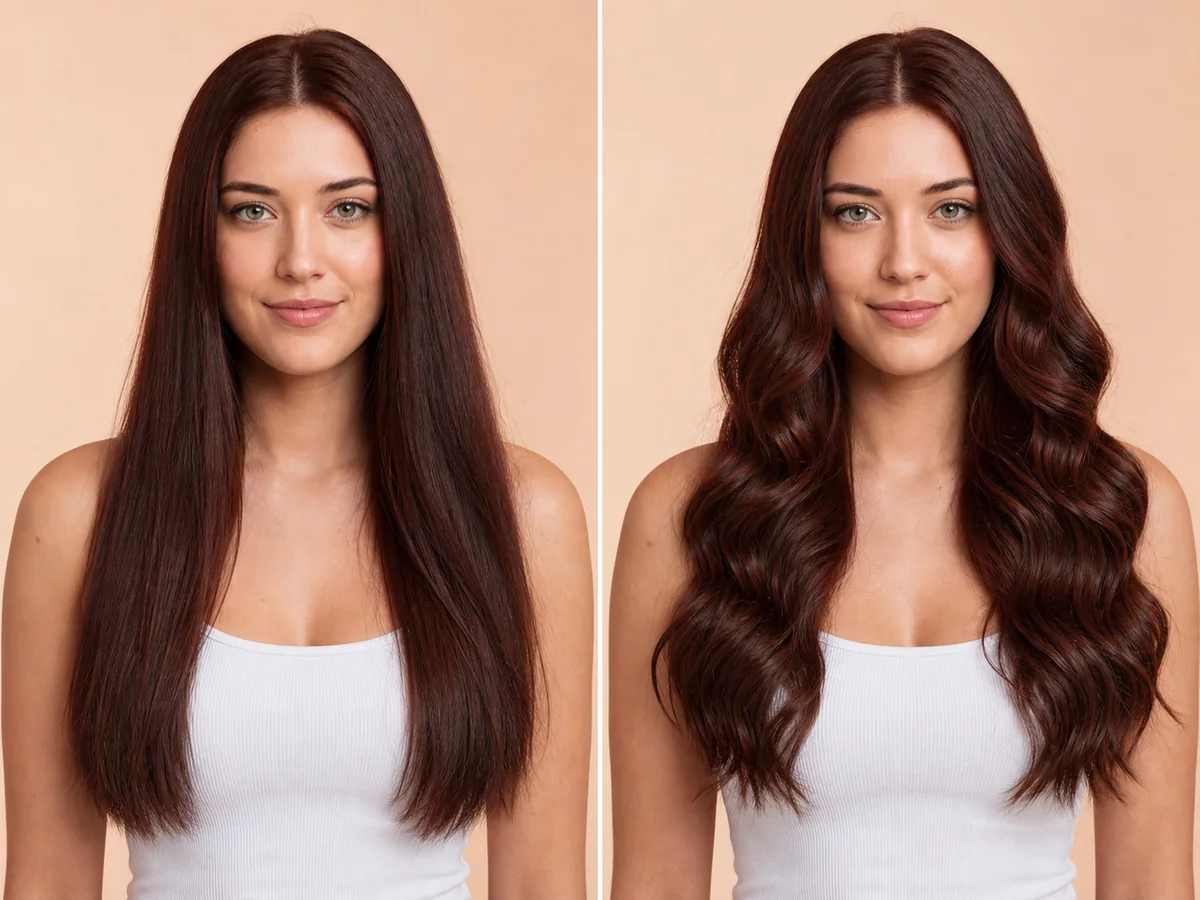 OriginalPreview
Before the appointment
Loose S-waves look different from tighter beach texture or brushed-out volume. The result also changes with a center part, side part, or shorter pieces near the face.
What to tell your stylist or barber
Describe the wave size, finish, parting, and shortest face-framing point. If considering extensions, consult a qualified professional about safe length and density.
Photo setup
Use a sharp, front-facing photo in even light. Keep your whole face visible, remove hats and sunglasses, and move loose hair away from the eyes and forehead when possible.
In the Android app
Use a front-facing photo with your face and hairline visible in even light.
Choose a haircut, hairstyle, or hair color and let Glowify create the preview.
Keep favorite before-and-after results as a starting point for your salon or barber conversation.
Common questions
Yes. Open Glowify on Android, choose a clear front-facing photo, and select a long wavy hair preview. The app creates an AI image intended to help you explore the direction before making a real change.
Treat it as a visual reference rather than a guarantee. The preview shows the visual direction, not the daily styling effort or the exact behavior of natural texture, extensions, or heat-set waves. Your starting hair, texture, density, stylist technique, lighting, and aftercare all affect the real result.
Use a sharp, front-facing photo in even light. Keep your whole face visible, remove hats and sunglasses, and move loose hair away from the eyes and forehead when possible.
Nearby options
Use the alternatives below to isolate the detail that matters most to your decision.
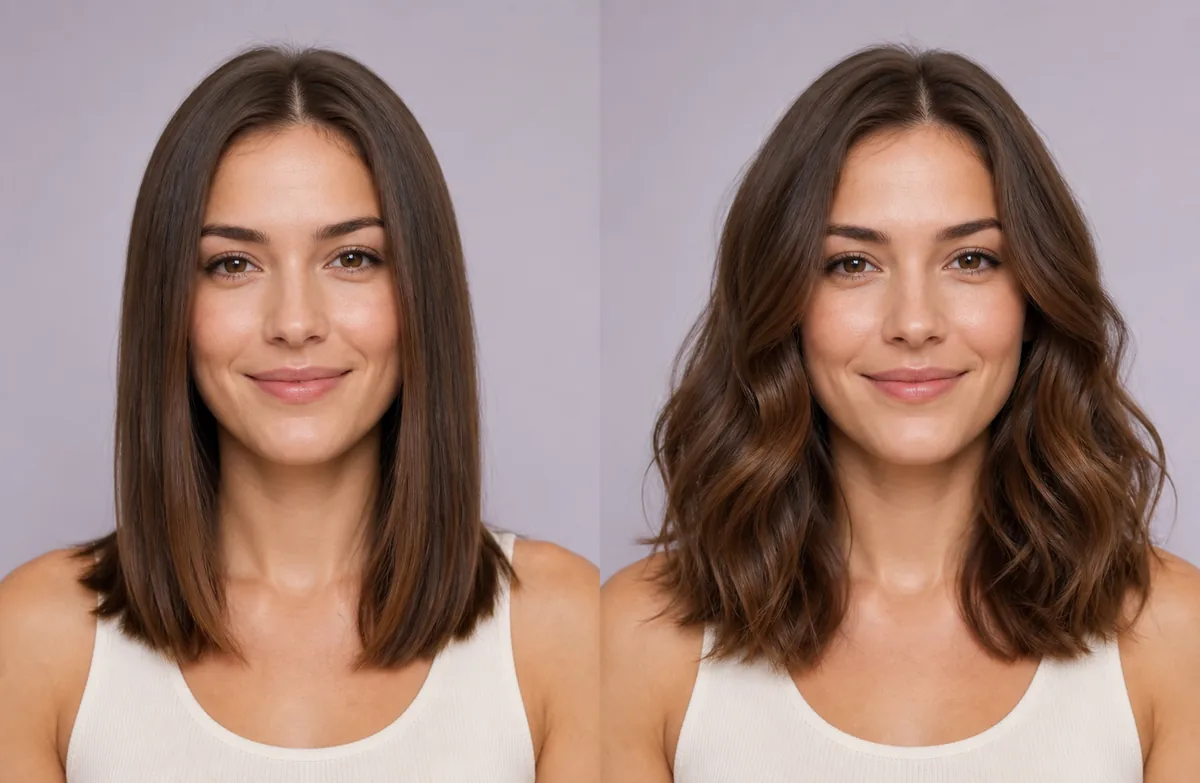
Straight styling makes the haircut perimeter and length easy to see. Wavy styling adds bends, width, and movement, often making the same measured length appear slightly shorter. Compare them without changing the cut or parting.
Explore this look →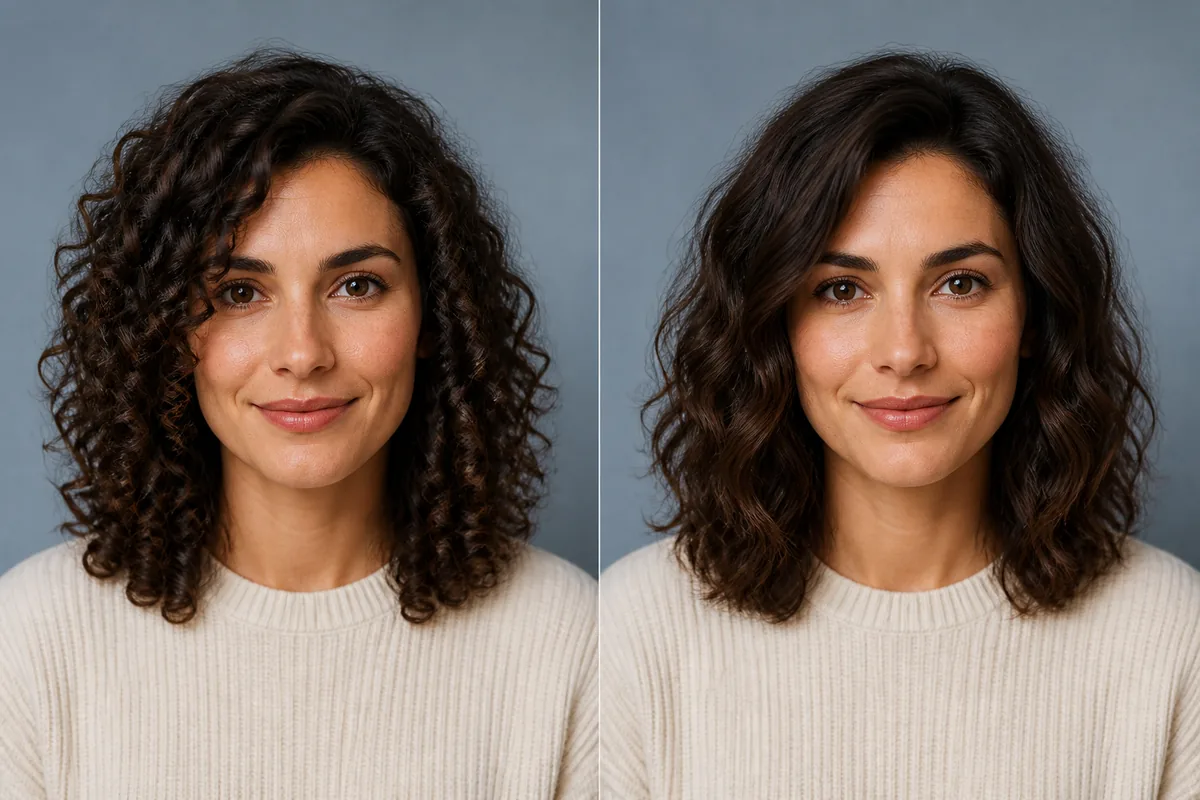
Curly hair forms visible loops or spirals; wavy hair follows looser S-shaped bends. At the same strand length, curls usually create more apparent shrinkage and concentrated volume, while waves keep more visible length and movement.
Explore this look →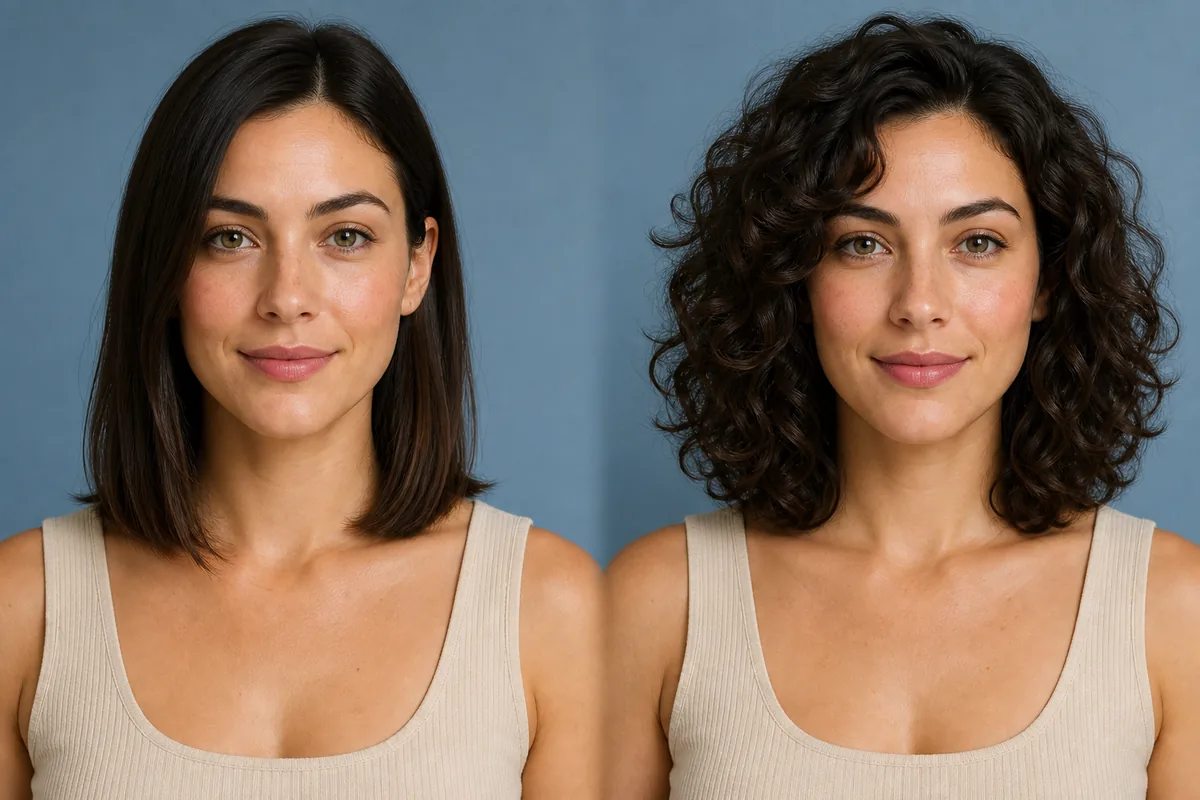
Curly hair forms visible loops or spirals, while wavy hair follows looser bends. When previewing curls, pay attention to where the shape expands, how much the dry length appears to shorten, and whether the front remains open or falls toward the face.
Explore this look →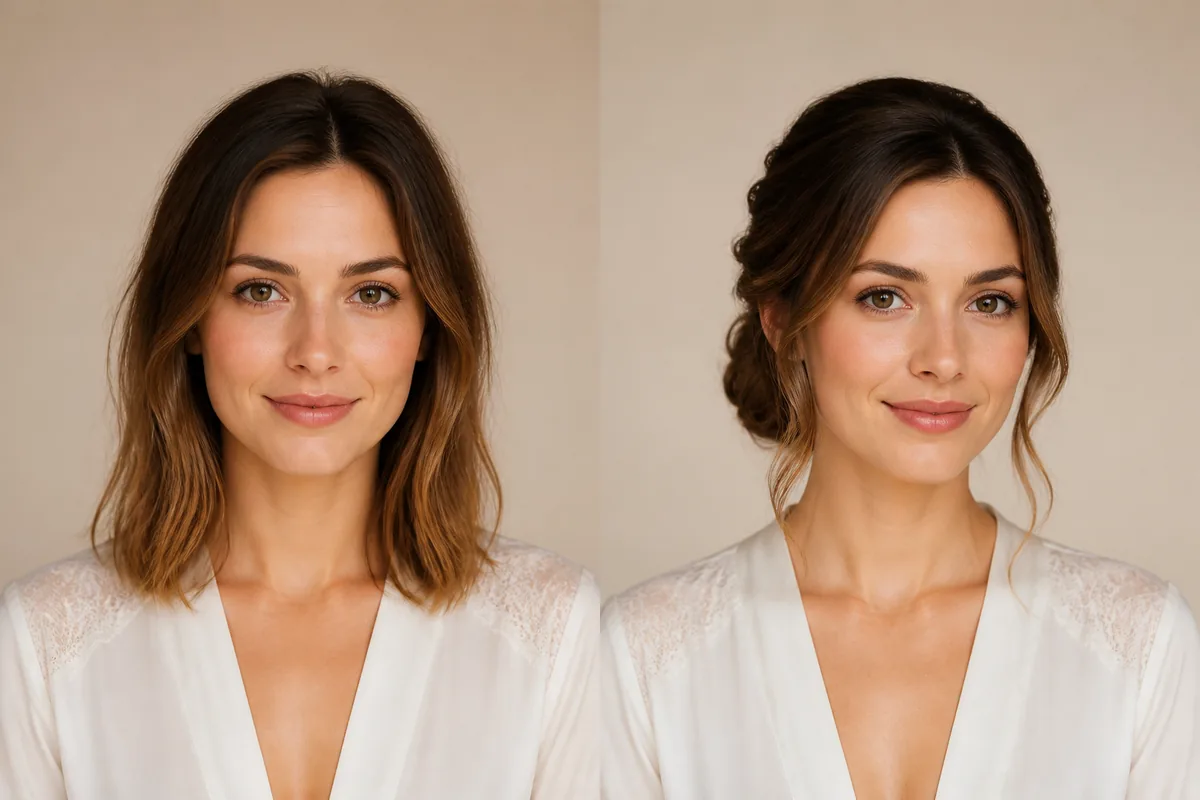
A wedding hairstyle has to work from several angles, stay comfortable for hours, and still feel recognizable in photographs. Use a preview to narrow the silhouette first: fully pinned up, half-up with visible length, or softly gathered near the nape.
Explore this look →Take the next step
Open Glowify on Android, compare the result, and bring the useful details to your stylist or barber.